Knitting Tool
Knitting Journal
One card per project: pattern, yarn, needle, gauge, notes and whether it's active, paused or done.
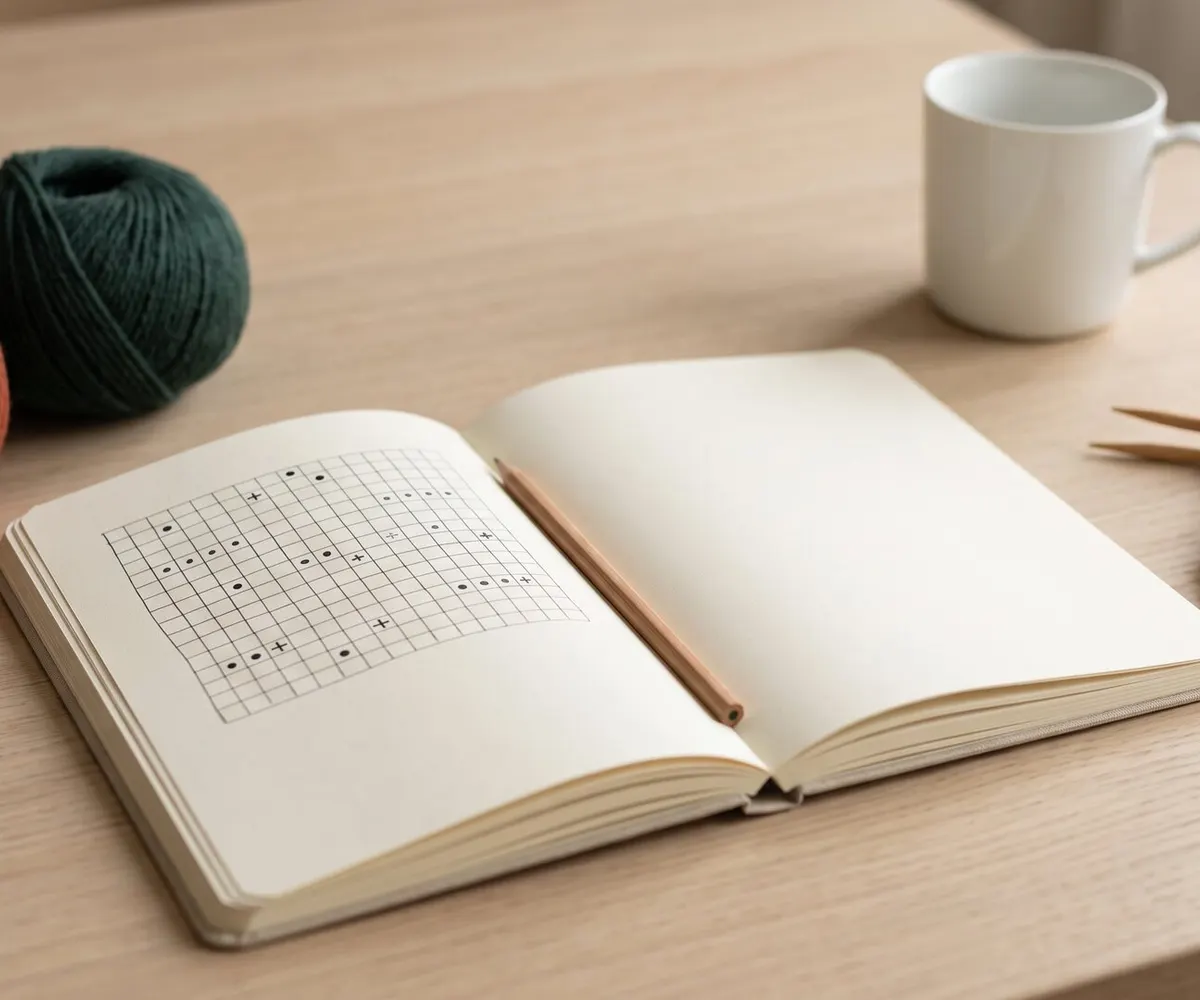
How to use the journal
- 1 Add project
Record project name, yarn choice, needle size, and pattern details.
- 2 Update status
Mark each project active, paused or completed.
- 3 Save & print
Projects save in this browser; print them or save a PDF.
Knitting Tips - My Knitting Diary
Knitting Diary
Keep track of your knitting projects, the yarn and the needle sizes you used. Save pattern notes and progress locally right in your web browser.
Could not save. Your browser may be full or in private mode — write down anything you need, because it will be gone when you reload the page.
No projects saved yet. Start by adding one!
A Norwegian version of this page is available on Strikketips.no
Why use a digital knitting journal?
A knitting journal is for the question you ask when you pick a project up again after a few months: which needle was I using, and which dye lot was that yarn? We write it down when we cast on, so the answer is there later.
With more than one project on the go, the journal keeps each one's details on its own card, in one place.
How to organize your projects manually
We think a paper notebook works just as well. Either way, this is what we note for every project:
What we write down
- Project name: Give it a distinct title (e.g. "Nordic Yoke Sweater")
- Pattern source: Designer name and pattern publication
- Yarn specs: Brand, fiber composition, colorway code, and dye lot number
- Yardage / Length: Meters or yards per skein
- Needle sizes: Ribbing and main needle size
- Gauge swatch: Your washed and blocked gauge measurements
Take a quick picture of the yarn label on your phone and jot the dye lot number down here in the notes. You'll want it if you ever need to buy one more skein from the same lot.
Advantages of digital project tracking
- Works on any device: phone, tablet or desktop — but each browser keeps its own journal; nothing syncs between devices.
- Past gauges: a finished project's card still has the gauge you got, for the next time you use that yarn.
- Zero clutter: No loose index cards getting lost at the bottom of your knitting bag.
- PDF printouts: Print a clean summary sheet to slip inside your project bag.
Will my projects be deleted if I close the browser?
No. Projects are saved automatically in your browser's local storage, so you can close the page and come back any time. But the storage lives in your own browser, not with us: clear your browsing data, switch browsers or use private mode, and the journal will be empty.
Do I need to create an account to use the knitting journal?
No. There is no registration or login; the journal is free and saves in your browser.
How many projects can I save simultaneously?
The journal sets no limit of its own on active, paused or completed projects. The limit is your browser's storage quota, which is shared with everything else the site saves. If it fills up, the journal says so rather than losing anything quietly.