Knitting Tool
Stitch & Row Counter
Two counters, stitches and rows, with big buttons for your phone.
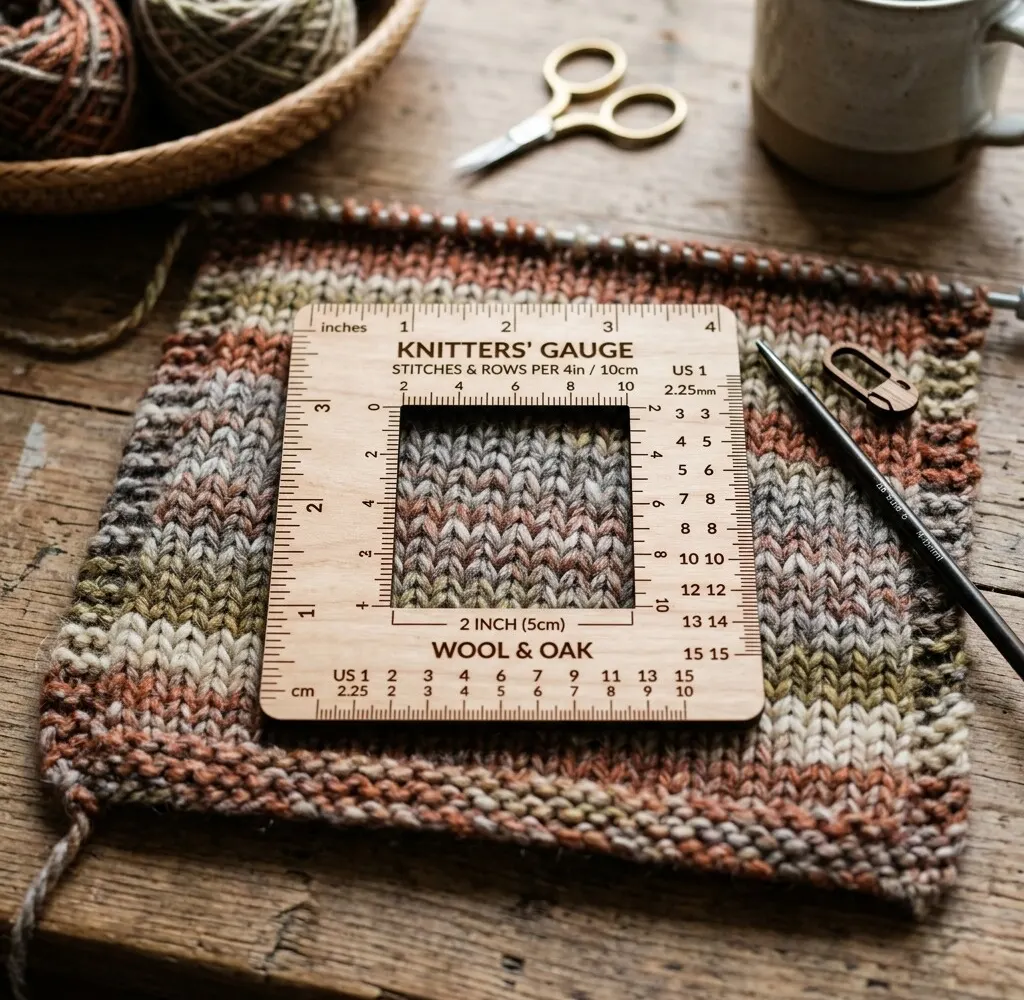
How to use the stitch counter
- 1 Tap to count
Tap + after each stitch, or after each row on the row counter.
- 2 Two counters
Stitches and rows are counted separately, side by side.
- 3 Save or print
Counts save in this browser; print them or save a PDF.
Knitting Tips - Stitch Count
Stitch Counter
Keep track of stitches and rows in your project.
Could not save. Your browser may be full or in private mode — write down anything you need, because it will be gone when you reload the page.
Saved locally
A Norwegian version of this page is available on Strikketips.no
Why use an online stitch counter?
An online stitch counter does the job of a clicker on your needle, with a second count for rows beside it. The buttons are large enough to tap with a needle in your hand, and the counts are still there when you come back to the page.
Tips for accurate counting
- Count as you go: we press plus after each stitch or repeat rather than trusting memory until the end of the round.
- Combine with stitch markers: Use the stitch counter alongside markers to keep track of multi-step pattern repeats.
- Reset for new sections: Tap "Reset" when moving on to a new project section, such as separating sleeves from the yoke.
Add this page to your mobile home screen for an instant one-tap knitting counter whenever you sit down to knit!
When is a stitch counter most useful?
A stitch counter is particularly handy for:
- Long cast-ons: blankets and sweater bodies with hundreds of stitches.
- Lace and cables: keeping your place in a chart repeat.
- Shaping: counting the rows between increases or decreases.
- Sleeves and socks: counting rows on the first one so the second matches.
How does the stitch counter work?
It has two counters, one for stitches and one for rows, each with a plus and a minus button. The counts save in your browser as you go.
Can I save my counts?
Yes. The counts save in your browser's local storage on this device. You can also print them, or save them as a PDF with today's date, from the Save (PDF) button.
Does the stitch counter work offline?
Yes. The counting happens entirely in your browser, and the page itself is stored the first time you open it — so you can close the tab, go offline, and open the counter again. Your counts live in the browser's local storage and are still there when you come back.
What is the difference between stitch counter and row counter?
The stitch counter has two plain counters, stitches and rows, side by side. The row counter has one counter that can track pattern repeats, plus a checklist of rows with your own notes.